- 01Download the installation package from our download section.
- 02Once the download is complete go to the backend of Joomla.
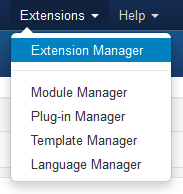
- 03Navigate through your menu system to Extensions/Extensions Manager.
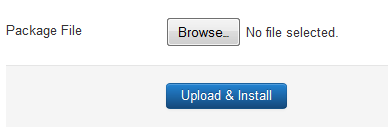
- 04Once at the installation screen click the browse button and navigate to where you downloaded the template file.
- 05Once you have the file selected click 'Upload File and Install'
- 06Navigate through your menu system to Extensions/Template Manager.
- 07Find the radio button next to the newly installed template.
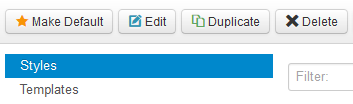
- 08Click on the Default button at the top right of the screen and you're done!
The template is now installed, now let's set it as the default template: